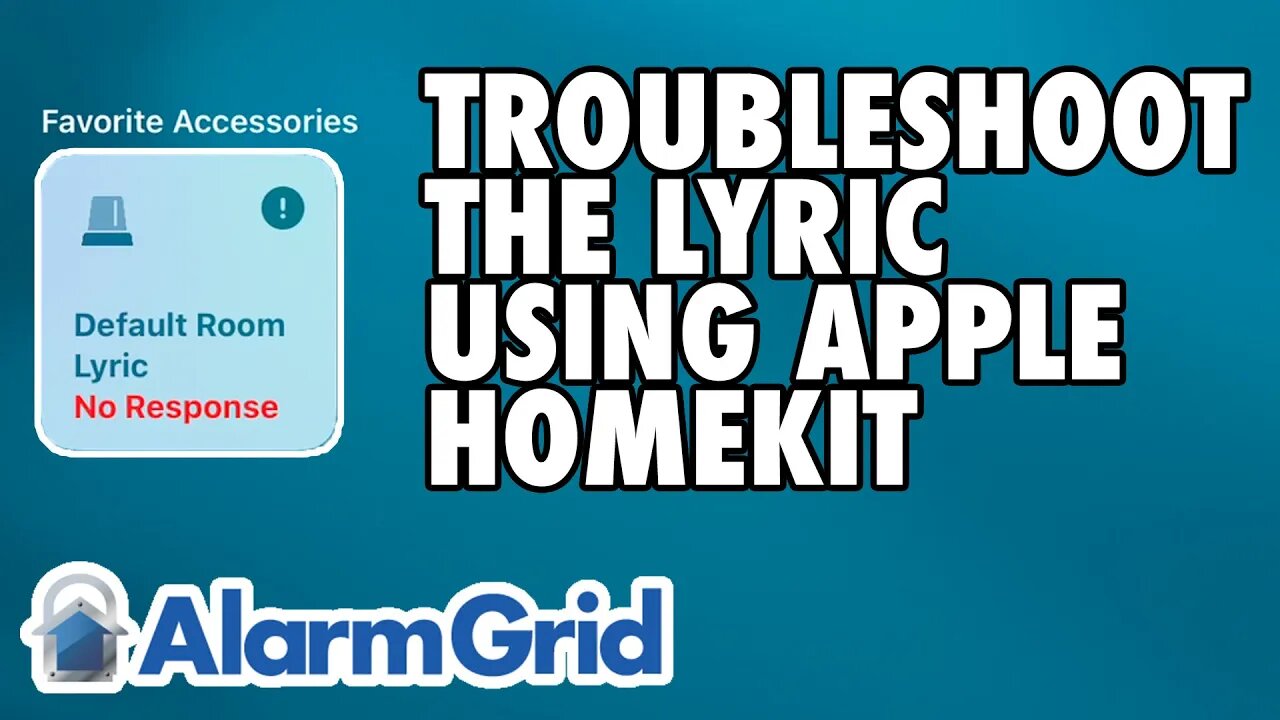
Honeywell Lyric: Troubleshooting With Apple HomeKit
In this video, Jorge from Alarm Grid shows you helpful troubleshooting techniques for a Honeywell Lyric Alarm System that is using Apple HomeKit. Being able to interface with the Apple HomeKit platform is one of the biggest selling points for the Honeywell Lyric. However, it is important to understand the limitations associated with the integration and understand what features you can expect, and what hasn't been integrated.
The key thing to remember about the HomeKit integration for the Lyric is that it is for security functions only. When you access your HomeKit ecosystem through your iOS device, such as your iPad, iPhone, or Mac Computer, you will only be able to see specific Lyric notifications for enrolled devices that have been programmed with one of a select range of Response Types. These Response Types are all security-based in terms of function, and they are not Response Types you would use with environmental sensors or life-safety sensors.
If you have a security sensor set up with one of the compatible security-based Response Types, then you will be able to access HomeKit through your iOS device and see when that sensor is faulted or triggered. You will know exactly which sensor was activated, and there won't be any question or confusion. But for sensors set up with a different Response Type, including all environmental sensors and life-safety sensors used with the Lyric Alarm System, accessing Apple HomeKit will only display a generic Lyric System Alert. You won't know which exact sensor was faulted, and you won't necessarily be able to take proper action. You won't even be able to tell which type of sensor was faulted. From the information obtainable from 'HomeKit, an activated temperature sensor will look the same as an activated smoke detector, which will also look the same as an activated carbon monoxide gas detector.
That is why it is strongly advised that you continue to use the Total Connect 2.0 platform with your Lyric System, even if you also take advantage of the HomeKit functionality. Total Connect 2.0 will display exactly which sensor on your Lyric System was triggered, as well as the type of sensor in question. This is the best way to know what type of activity your alarm system detected and what action you should take based on the situation at-hand.
https://www.alarmgrid.com/faq/how-do-i-troubleshoot-a-lyric-using-apple-homekit
-
 4:37
4:37
Alarm Grid Home Security DIY Videos
2 years agoQolsys IQ Panel 4: Change the Master Code
35 -
 7:15:08
SpartakusLIVE
9 hours agoRule #1 - The BEST Loot is ALWAYS in the OTHER GUY'S BAG
37.9K -
 2:16:27
ThatStarWarsGirl
6 hours agoTSWG LIVE: CHRISTMAS IS COMING! Stargate's BACK & DC is Doomed?!
22.8K4 -
 2:38:16
I_Came_With_Fire_Podcast
13 hours agoDid Pete Hegseth Commit WAR CRIMES | No more INCOME TAX | More Fraud in Minnesota W/ Mike Caldarisie
28.5K13 -
 1:32:30
Adam Does Movies
8 hours ago $1.25 earnedTalking Movies + Ask Me Anything - LIVE
21.8K1 -
 2:12:14
TheSaltyCracker
6 hours agoWar Crimes ReeEEStream 12-03-25
77.7K188 -
 1:31:59
Glenn Greenwald
8 hours agoTrump Administration Claims to Save Hundreds of Millions of Lives by Blowing Up Drug Boats; Ethan Klein's Unhinged Vengeance & Lawsuits Against Other YouTubers: With Taylor Lorenz | SYSTEM UPDATE #553
107K150 -
 19:14
19:14
MetatronCore
23 hours agoHow Propaganda works on your Brain
18.3K6 -
 1:26:32
Joker Effect
5 hours agoWHO IS TYSON HOCKLEY?! What does the IRL streaming space look like? WHY IS EVERYONE SUEING EACHOTHER
8.65K -
 2:48:40
Barry Cunningham
8 hours agoLIVE BREAKING NEWS: Erika Kirk and TPUSA Have Had It With Candace Owens | Where Are The Children?
56.7K72