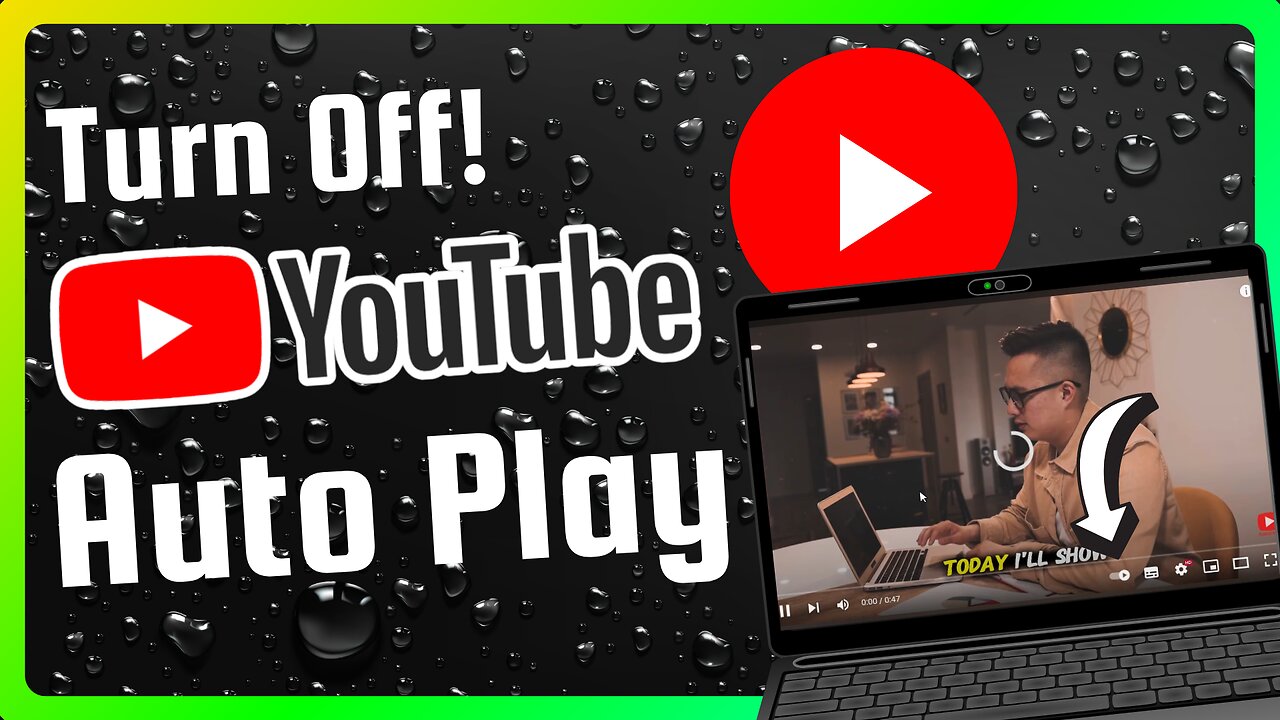
How to Turn Off YouTube Auto Play (Full Guide)
Stop YouTube from automatically playing the next video. Save mobile data, avoid distraction, and take control in seconds. This simple guide shows how to disable YouTube Autoplay on Android, iPhone, mobile browser and desktop — step by step.
What you’ll learn
How to turn off YouTube Autoplay on the YouTube app (fast method)
How to turn it off from app Settings
How to turn it off on desktop and mobile browser
How to check that Autoplay is really off
Step-by-step: Disable Autoplay
Mobile app — quick method (Android & iPhone)
Open the YouTube app.
Play any video.
Look near the video player where the Up next list appears. You will see the Autoplay switch (a small toggle).
Tap the toggle so it is off. Autoplay will stop automatically playing the next video.
Mobile app — via Settings
Tap your profile icon in the top right.
Tap Settings.
Tap Autoplay.
Turn off any Autoplay options like “Autoplay next video” or “Autoplay on Home.”
Desktop (youtube.com)
Open youtube.com and play any video.
On the right side above the Up next list you will see the Autoplay switch.
Click the switch to turn it off. The label will show that Autoplay is off.
Mobile browser (m.youtube.com)
Open your mobile browser and go to YouTube.
Play any video.
Find the Autoplay switch near the suggestions/Up next area and tap it off.
If you don’t see it, open the player menu (three dots) or your profile → Settings → Autoplay and turn it off there.
How to confirm Autoplay is off
After switching it off, play another video or refresh the page. If the next video does not start automatically, Autoplay is off.
Quick Pro Tips
There may be multiple Autoplay options (next video, autoplay on home). Turn off all relevant toggles.
App layouts change by update; if you can’t find the toggle, update the app or check profile → Settings → Autoplay.
YouTube Music has its own autoplay setting — check that app if you use it.
SEO Friendly Keywords (use in tags too)
turn off YouTube autoplay, disable autoplay YouTube, stop autoplay YouTube mobile, stop autoplay YouTube desktop, how to disable YouTube autoplay
If this video helped, please leave a like and drop a heart in the comments — it really helps! Don’t forget to subscribe for more quick YouTube tips.
-
 LIVE
LIVE
Alex Zedra
45 minutes agoLIVE! Bo7 Warzone
155 watching -
 LIVE
LIVE
Drew Hernandez
19 hours agoCANDACE OWENS / TPUSA STALEMATE & DC PIPE BOMBER CAPTURED?!
902 watching -
 12:31
12:31
Robbi On The Record
3 hours ago $0.23 earnedWhy Nothing Feels Real Anymore | The Science, Culture, and Spiritual War Behind the Fog
1125 -
 18:42
18:42
Navy Media
3 hours agoHouthis ATTACK the Wrong U.S. Fighter Jet – Then THIS Happened…
3.45K9 -
 40:24
40:24
MetatronGaming
1 day agoSomething is REALLY Wrong with this apartment...
1392 -
 LIVE
LIVE
SpartakusLIVE
2 hours agoHUGE NEW UPDATE - Aim Assist NERF, New META, New MOVEMENT || #1 King of Content
253 watching -
![battlefield 6 with the crew! [RGMT CONTENT Mgr. | RGMT GL | GZW CL]](https://1a-1791.com/video/fwe2/7f/s8/6/w/D/y/F/wDyFz.0kob.n.jpg) LIVE
LIVE
XDDX_HiTower
1 hour agobattlefield 6 with the crew! [RGMT CONTENT Mgr. | RGMT GL | GZW CL]
52 watching -
 2:28:57
Nikko Ortiz
2 hours agoVirtual Reality Milsim... | Rumble LIVE
11.1K2 -
 LIVE
LIVE
StevieTLIVE
1 hour agoNEW UPDATE Warzone WINS w/ The Fellas
76 watching -
 9:00:32
Dr Disrespect
11 hours ago🔴LIVE - DR DISRESPECT - WARZONE x BLACK OPS 7 - SEASON 1 INTEGRATION
137K7