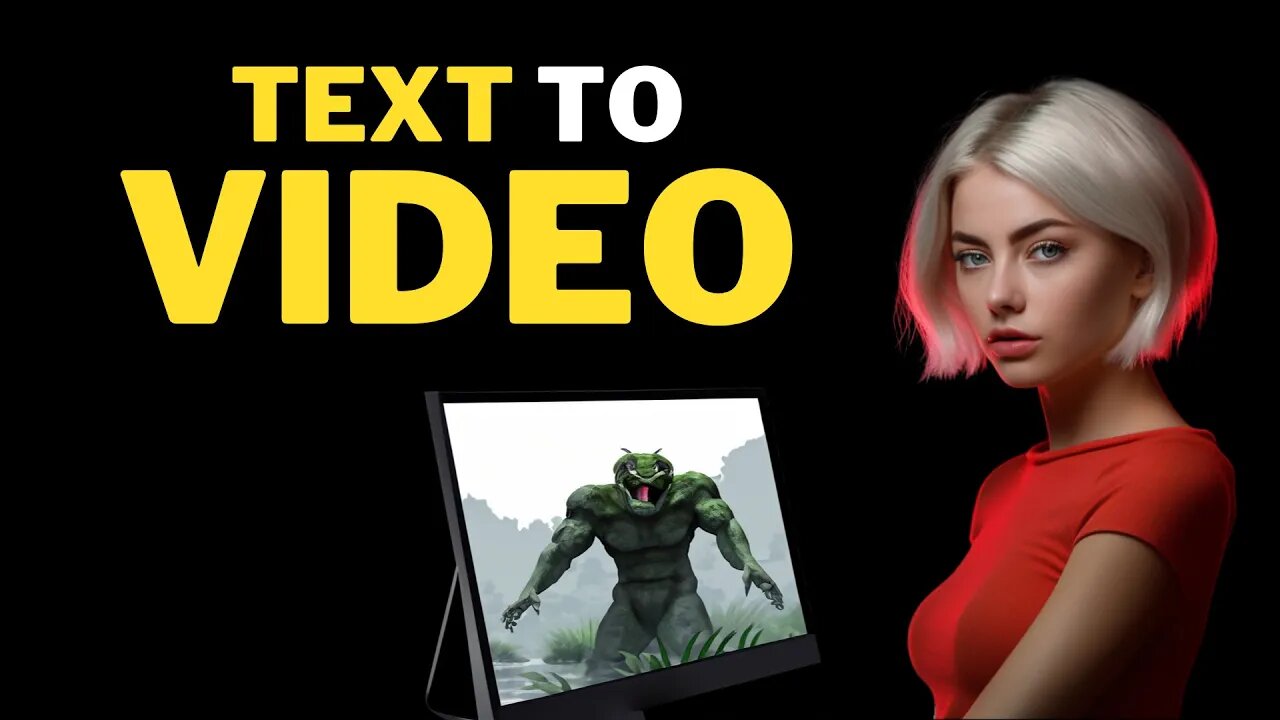
AI Video GENERATOR : Create FACELESS YouTube Channel Using AI
AI Video Generator: Create Faceless YouTube Channel with AI Tools. Step by Step Beginner's Guide How to Create a Faceless YouTube Channel Using AI Tools#ai #artificialintelligence #texttovideo #aivideogenerator #aivideo #facelessyoutube
InVideo 25% OFF : https://bit.ly/invideo-register
InVideo Coupon Code : AITOOLS25
InVideo YouTube Channel : https://bit.ly/3scIvQi
VidIQ AI : https://vidiq.com/aitoolsarena
Google Bard AI : https://bard.google.com/?via=aitoolsarena.com
My AI Avatar Generator : https://aitoolsarena.com/best-ai-tools/heygen-ai
Video Elements : https://1.envato.market/c/2663120/298927/4662
AI Tool List : https://aitoolsarena.com
How To Create Video Like This : https://youtu.be/a7YJqd80joE
Welcome to the era of digital products, where YouTube videos reign as one of the most valuable digital assets. Imagine creating a single video that keeps generating income even while you sleep. And here's the best part: you don't need extensive video editing skills. In this AI video editing tutorial, I'll show you how to create videos using an AI video editor with just a simple text command. I will also guide you on how to choose a niche and keywords using AI tools. So let's dive in and start turning your ideas into money-making YouTube videos!
1. Choosing a Niche:
When starting a new YouTube channel, you should focus on a single niche to make it easier to get YouTube recommendations.
2. Keyword Research:
To choose the best keywords for our video, we can't rely on chatbots like ChatGPT because their data is not up-to-date. Instead, we will use AI tools for YouTube SEO.
3. Content Ideas:
If you don't have any content ideas from the keyword, let's use the AI Coach feature on VidIQ. Go to the AI Coach menu and select the basic mode.
4. Choosing a Video Editor:
In this video, I will use InVideo as the AI video editor because of its reputation as the most widely used and popular choice among users.
5. InVideo Registration:
To start using the InVideo video editor, you need to create an InVideo account.
6. Creating a Channel Intro:
To create your channel intro video, make sure you already have your channel logo.
7. Text to Video:
To create a video using InVideo, you can start with their pre-made templates. However, in this video, we will use the text-to-video AI feature. Click on the "AI Text to Video" menu, select the desired template, select the video orientation, and click the "Use Template" button to start.
8. Adding Videos:
In case you don't like some parts, you can change the video by using your own video or by using premium video stock from the video menu.
9. Adding Images:
If you want to change the scene background with an image, click on the scene background you want to change and press delete on your keyboard to remove the selected scene background.
10. Adding Music:
To change the video's music, click on the "Music" menu, select moods or genres, and choose the best music that matches your video content. Click the plus button to add the music to our video.
11. Adding a Logo:
You can add your channel logo to your video as a watermark. To do that, click on the "Logo" menu, double-click on your image, and you can change the image size if needed. You can also add other video elements from the elements menu or change the video template from the template menu.
12. AI Voiceover:
To add voiceover to your video, click the "Voiceover" button at the bottom of the editor area. You can record your own voice directly, upload your voiceover file, or choose automated text-to-speech to create an AI-generated voiceover.
Thank you for watching this AI video editing tutorial. I'll see you in the next artificial intelligence tutorial video.
ai video generator,text to video ai,ai video,ai video editing,text to video,free ai video generator,best ai video generator,ai,chatgpt,youtube automation,make money with ai,youtube automation with ai,artificial intelligence,ai tools,video editing,google bard,ai voice,ai generated video,ai voice generator,best ai tools,ai video editor,text to video ai free,bard ai,how to make ai video,ai tutorial,ai video maker,ai text to video,cash cow,invideo
-
 5:29
5:29
AI Tools Arena
2 years ago $0.15 earnedAI Video EDITING : Free AI Tutorial for BEGINNERS
2.83K -
 1:15:43
DeVory Darkins
4 hours agoDISTURBING: Gavin Newsom makes FATAL MISTAKE after Criminal Illegal Alien kills 11 year old boy
105K58 -
 LIVE
LIVE
MattMorseTV
3 hours ago $9.28 earned🔴Trump's HUGE ANNOUNCEMENT.🔴
2,123 watching -
 LIVE
LIVE
Dr Disrespect
5 hours ago🔴LIVE - DR DISRESPECT'S TRIPLE THREAT CHALLENGE - ARC RAIDERS • BF6 • FORTNITE
1,253 watching -
 1:18:21
Sean Unpaved
4 hours agoArch Manning & Texas ELIMINATED From College Football Playoff Contention | UNPAVED
30.4K3 -
 1:59:06
The Charlie Kirk Show
4 hours agoBlackpilled Zoomers + Charlie's Sabbath + Minnesota Meltdown | Bowyer, Turek, Glahn | 12.3.2025
60.7K29 -
 12:44
12:44
Dr. Nick Zyrowski
2 days agoThe REAL Benefits of One Meal A Day (OMAD) Intermittent Fasting
22.9K3 -
 LIVE
LIVE
Barry Cunningham
18 hours agoLIVE BREAKING NEWS: President Trump Addresses The Nation | Marco Rubio | Kash Patel | News!
2,027 watching -
 59:34
59:34
Timcast
4 hours agoNarco Boat Double Strike Triggers MASSIVE Political Firestorm, Admiral To Be QUESTIONED By Congress
146K91 -
 2:03:59
Side Scrollers Podcast
5 hours agoKaceytron Publicly Humiliated by H3H3 + Sabrina Carpenter/White House FEUD + More | Side Scrollers
38.3K4