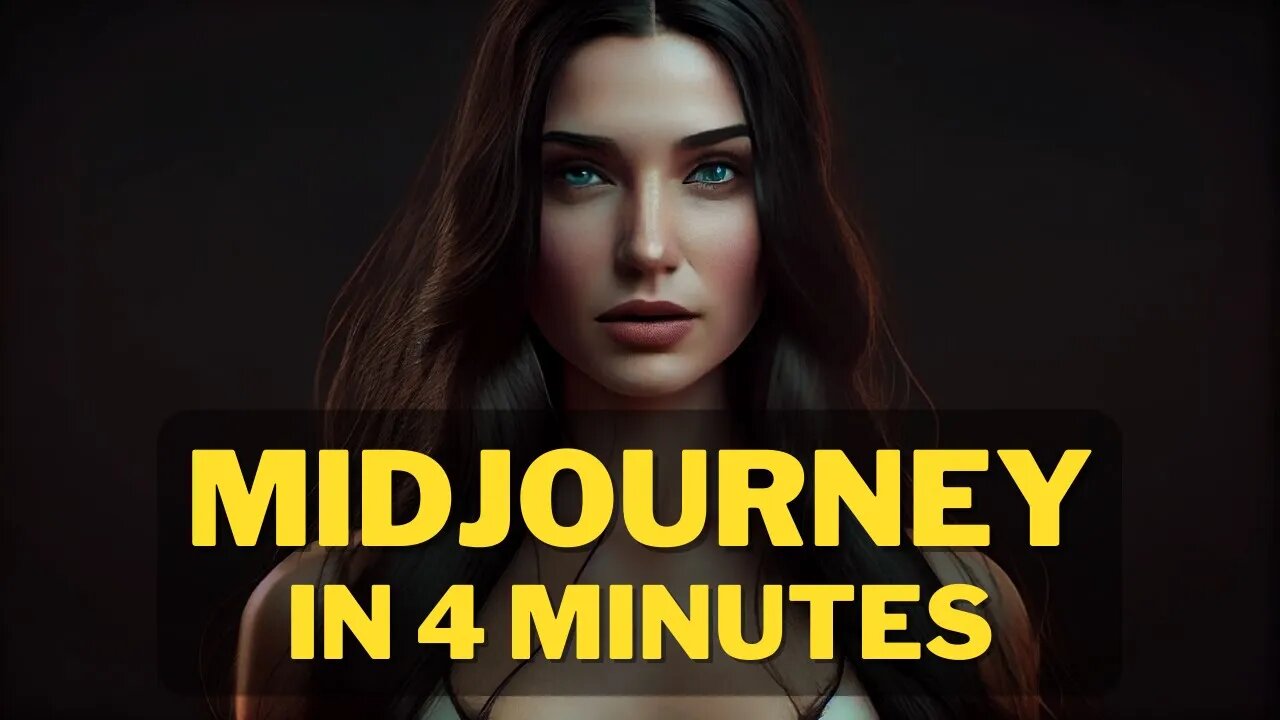
The Complete Beginner's Guide : How to Create Image with AI and Midjourney's Free Generator
In this guide, we'll teach you how to create an image with AI using Midjourney's free generator. After learning this, you'll be able to create high-quality images with ease!
Whether you're a photographer new to AI or an experienced user, this guide will teach you everything you need to know to create beautiful images with AI. With Midjourney's free generator, you'll be able to create amazing images in no time at all!
Links :
Midjourney Website : https://www.midjourney.com
AI Tools Arena : https://aitoolsarena.com
How I Create This Video : https://youtu.be/a7YJqd80joE
The Complete Beginner's Guide : How to Create Image with AI and Midjourney's Free Generator
#AI #ImageCreation #Midjourney #AIHowTo #CreateImage #FreeGenerator #CreativeImagery #BeginnersGuide #MachineLearning #ImageDesign #GraphicsDesign #Computervision #VisualArt #artificialintelligence
How to create image with AI ( Step by Step Guide ).
Here is a basic example : /imagine prompt cat from mars --ar 2:3 --quality 1 --upbeta
Do you want to make breathtaking images with AI? Here's your complete guide to creating stunning visuals with Midjourney's free image generator. We'll introduce you to the basics of using AI to create images and provide you with 8 easy steps to get started. With this guide, you'll be a pro in no time!
Artificial intelligence has made it possible for anyone to create unique and compelling images with minimal effort. If you're interested in experimenting with AI-generated images, here's a step-by-step guide on how to generate your first AI-generated image.
Step 1 : Join the Discord
Go to Midjourney.com, select Join the Beta, or go directly to the Midjourney Discord.
Before joining the Midjourney Discord server, you must have a Discord login.
Step 2 : Find a Newbies Channel
You can generate images with the Midjourney Bot on any server that has invited the Bot. Look for instructions on your server on where to use the Bot.
Step 3: Learn Basic Command
Interact with the Midjourney Bot on Discord using a Command. Commands are used to create images, change default settings, monitor user info, and perform other helpful tasks.
Here is a simple command structure : /imagine prompt + "your description" + Aspect Ratio + Quality + Upscaler
Step 4 : Run your first command
Here is a basic example : /imagine prompt cat from mars --ar 2:3 --quality 1 --upbeta
The Midjourney Bot takes about a minute to generate four options.
Step 5: Reroll if needed
Click Re-roll button to reruns a job. In this case it would rerun the original prompt producing a new grid of images
Step 6: Make Variations
Click V1/V2/V3/4 Button to Creates a variation of the upscaled image and generates a new grid of four options. Choose the best variation for you.
Step 7 : Upscale Image
Click U Buttons or Upscale Buttons to upscale an image generating a larger version of the selected image and adding more details.
Step 8 : Save Your Image
Click on the image to open it to full size, and then right-click and choose Save image
Congratulations, you have just generated your first AI-generated image! In the next video, I will teach you how to improve your images
How to Create Image with AI : Midjourney Free Generator
Step by Step Video Details :
00:00 Opening Video
00:17 Step 1 : Join Midjourney Discord
00:57 Step 1 : Find a Newbies Channel
01:08 Step 3: Learn Basic Command
01:23 Step 4 : Run your first command
01:55 Step 5: Reroll if needed
02:06 Step 6: Make Variations
02:32 Step 7 : Upscale Image
03:16 Step 8 : Save Your Image
How to Create Image With AI,how to create your image with ai,image with ai,how to generate image with ai,create image with AI step by step,create image with ai for beginner,how to midjourney,Midjourney Free Generator,Midjourney,Artificial Intelligence,ai art,ai art generator,midjourney,midjourney ai,text to image ai,text to image,free ai art generator,mid journey,ai art tutorial,ai art generator free,how to use midjourney,midjourney ai tutorial,ai,how to
#AIart #imagegeneration #Midjourney #texttoimage #tutorial #beginner #freegenerator #AI #artificialintelligence #stepbystep #AIartgenerator #Midjourneytutorial #Midjourneyfreegenerator #createwithAI #texttoimageAI #generatewithAI #howto #createimagewithAI
-
 8:20
8:20
AI Tools Arena
2 years ago $0.20 earnedNOW You Can Create Almost EVERYTHING With New Canva Magic Studio AI
2.23K -
 LIVE
LIVE
Red Pill News
3 hours agoMinnesota Fraud Gets Worse - Walz Under Investigation on Red Pill News Live
3,877 watching -
 1:17:03
vivafrei
4 hours agoMiranda Divine & Dan Bongino Go Fisticuffs! Jillian Michaels & Crowder Go Fisticuffs! AND MORE!
89K40 -
 1:19:31
The Quartering
4 hours agoWoke Church Exposed, Income Taxes To End?, Gross Doordash Video, & Based Chic At Planet Fitness
122K64 -
 24:55
24:55
Stephen Gardner
3 hours ago🔥Trump Just Got THE EVIDENCE we’ve ALL been waiting for!
20.8K38 -
 LIVE
LIVE
LFA TV
21 hours agoLIVE & BREAKING NEWS! | TUESDAY 12/02/25
1,130 watching -
 1:14:03
John Crump Live
4 hours agoDLD Makes His Case For Micro Influencer of The Year
14.4K -
 LIVE
LIVE
freecastle
7 hours agoTAKE UP YOUR CROSS- Then you will call on ME and come and pray to ME, and I will LISTEN to you."
121 watching -
 1:48:12
The HotSeat With Todd Spears
3 hours agoEP 218: God Bless America, Why Not America Bless GOD? Pt 2
13.3K17 -
![[Ep 804] HOAX or War Crime? Dems Hysteria | Hakeem’s Threats| Guest Sam Anthony [your]NEWS](https://1a-1791.com/video/fwe2/1c/s8/1/u/K/V/E/uKVEz.0kob-small-Ep-804-HOAX-or-War-Crime-De.jpg) 2:14:19
2:14:19
The Nunn Report - w/ Dan Nunn
3 hours ago[Ep 804] HOAX or War Crime? Dems Hysteria | Hakeem’s Threats| Guest Sam Anthony [your]NEWS
13.2K6