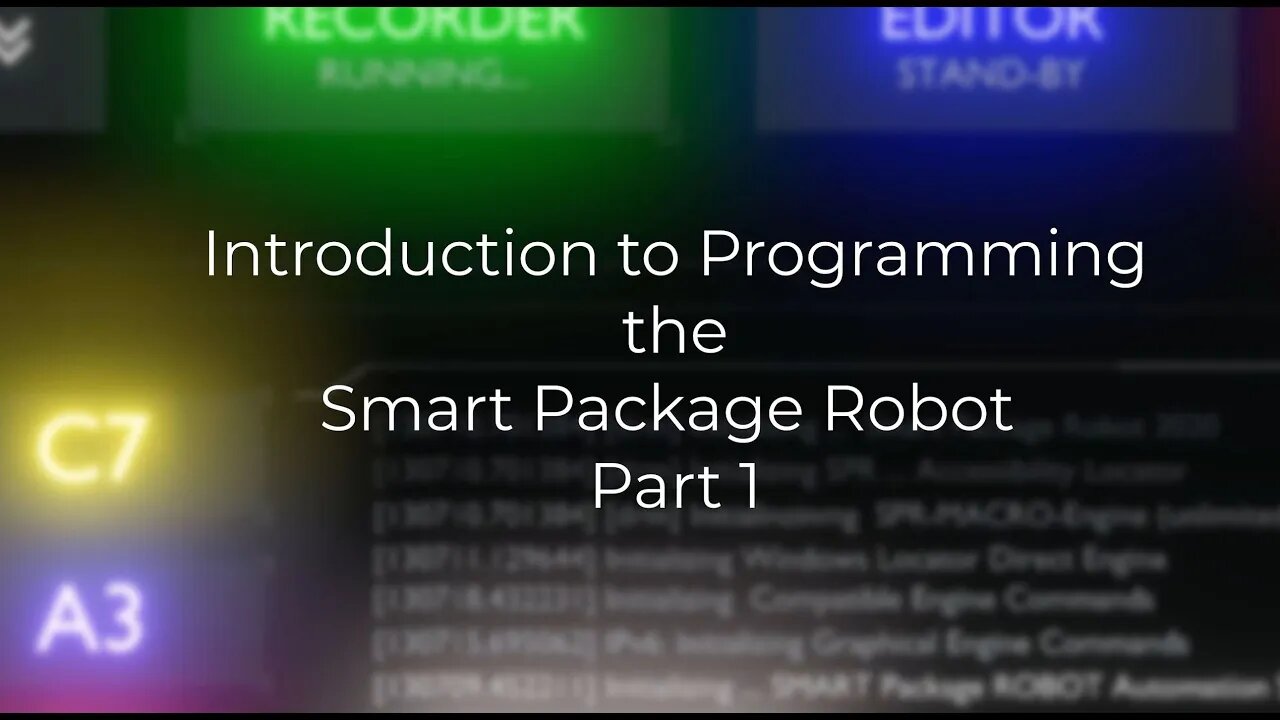
"Introduction to Programming" using the SPR - Part I (english)
This Video serves two purposes:
First it is an "Introduction to Programming".
Second its an Introduction in "Using the Smart-Package Robot".
So if any of these sound interesting to you, take a look.
This is Part I of a Multi-Part Series.
Video-Content:
01:10 Using the SPR-Editor
01:48 Why are there 2 Icons for the SPR-Editor?
02:00 You can drop "files" into the Editor.
03:09 Loading a Sample Script
03:30 The Coding Features of the SPRE
03:50 How to switch ON/OFF the ANALYZER-Window
04:05 Additional Editor-Features
04:40 How to enter Commands and have them executed.
05:00 Loading a File
05:13 Open Command-Prompt, Commandline, Run-File Dialog
05.45 Open an Explorer Window from the SPRE
06:21 The Project-Menu and "New Project"
07:16 Where is the Project Folder?
07:40 More SPRE-Options
08:00 What is "Programming"?
08:20 Using the Play-Button to run your first Script.
08:48 How it looks if we make it wrong (Syntax-Error).
09:20 Press F1 to open the help-file
10:16 List with all Commands
10:37 Choosing our first Command: MBX.
10:50 Commands with the SPR have always 3 letters and a "."
11:30 Where the Robot-Script ends, it leaves a Blue Bookmark
12:00 What are Parameters?
12:20 Our first Hello World Program.
13:00 Parameters are always separated using the |-Sign.
15:34 Removing the Marks
15:38 Compiling our Script to a Standalone Executable
16:20 Running the compiled Executable
16:59 Choosing Options for the compiled Executable
17:10 Choosing another Icon-Set for the Executable
18:10 Using the MANIFEST-Directive '#MAN:
18:30 Writing into the SPRE-Debug Window using the DBP. - Command
19:10 Copying Text from the Debug-Window
19:30 Clearing the Debug-Window
19:32 Duplicating a Line using the "ctrl-D" Key-Combination
19:45 Start a multiple Line Script with PLAY
20:30 Using a "Startpoint" to start a Script from a defined Line
20:50 Using a "Stop-Point" to stop a Script at a defined Line
21:10 Using Single-Step in the SPRE
21:41 Using Single-Step with Double-Click to jump 4 Lines
22:00 The Play-Modes: Normal-Play, Single-Step and Free-RUN
22:40 Using the STOP (PLAY or Single-Step-Button) vs. Using the HALT-Button
23:25 Why to use a PAU.-Command when using "Free-Run" in Endless-Loops.
24:15 How fast is the Robot?
24:30 Our first "Counting Loop"
24:40 Closing the Console-Window will also end the Robot.
25:48 Robot will halt at Stop-Points in any Play-Mode including Free-Run.
26:41 The "FOR." Command for the "counting Loop".
27:25 The Concept of "Labels","GTO." and "GSB.".
32:44 Using GSB. and RET. for Sub-Programs
35:54 Using the SAY-Command to have the Robot SAY something
36:20 Using teh DIT.-Command to have the SPR dial a Phone-Number using MFV-Dialtones.
37:00 End of Video
-
 34:21
34:21
Stephen Gardner
5 hours agoThey have NO IDEA what they just UNLEASHED!!
12.1K50 -
 3:08:15
Decoy
4 hours agoFinally
34.2K10 -
 2:55:01
TimcastIRL
4 hours agoTrump Calls Democrat RETARDED, Whistleblower EXPOSES Democrat FRAUD | Timcast IRL
198K53 -
 LIVE
LIVE
Akademiks
4 hours agoMeg Thee Stallion spent $2 mil on lawyers to win $59k vs Milagro! 50 Cent BURIES Diddy. SNAKES HIM!
1,064 watching -
 LIVE
LIVE
SpartakusLIVE
4 hours agoI'M BACK from Florida || The RETURN to the Spartan Stronghold
482 watching -
 1:38:45
Joker Effect
3 hours agoWhy is everything so DIFFICULT?! Cuffem, Gypsy Crusader, WVAGABOND is getting SUED?! IDuncle is mad!
23.5K1 -
 54:46
54:46
Flyover Conservatives
23 hours agoInside the Kill Zones: Kidnappings, Camps & the War on Nigerian Christians Exposed - Judd Saul | FOC Show
20.6K1 -
 1:02:35
MattMorseTV
5 hours ago $20.94 earned🔴We just got the CONFIRMATION.🔴
38.4K74 -
 1:24:52
Glenn Greenwald
7 hours agoTrump Admin Preparing for New Regime-Change War Against Venezuela; Who Should Win Anti-Semite of the Year? See the Top 10 Finalists | SYSTEM UPDATE #551
117K67 -
 23:12
23:12
Jasmin Laine
9 hours agoCBC TURNS on Carney—Poilievre Speech Goes VIRAL, ROASTS Canada’s Elites
28.1K17