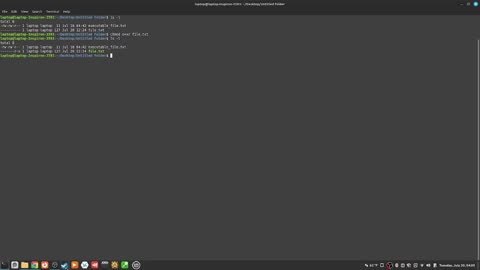
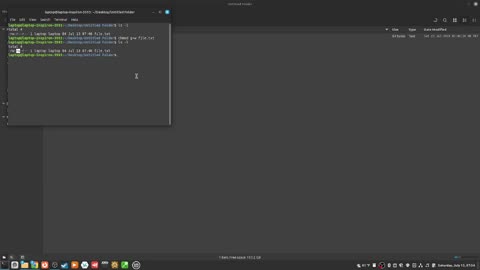
1. 214_how to "add the execute and read permission to the other permission set" with "chmod"

    214_how to "add the execute and read permission to the other permission set" with "chmod"

    2
    0
    5
    1
  2. 194_how to "remove ALL permission from the user permission set at the same time" with "chmod"

    194_how to "remove ALL permission from the user permission set at the same time" with "chmod"

    7
  3. 185_how to "remove the read permission from the other permission set" with chmod

    185_how to "remove the read permission from the other permission set" with chmod

    7
  4. 152_what does the "x" stand for in file permissions in bash?

    152_what does the "x" stand for in file permissions in bash?

    6
  5. 174_how to "add the execute permission to the group permission set" using "chmod"

    174_how to "add the execute permission to the group permission set" using "chmod"

    9
  6. 110_how to move the cursor one word with alt left or right arrows

    110_how to move the cursor one word with alt left or right arrows

    4
  7. 305_how to easily distinguish between system uid vs human uid

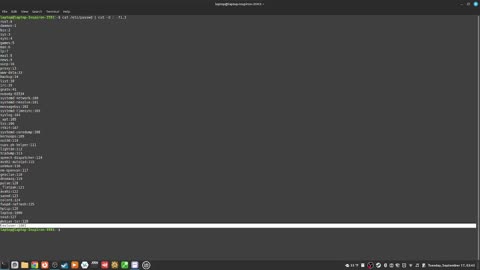
    305_how to easily distinguish between system uid vs human uid

    4
  8. 199_how to "remove the read and write permissions from the group permission set" with "chmod"

    199_how to "remove the read and write permissions from the group permission set" with "chmod"

    2
  9. 290_how to "see the uuid of your hard drives" with the "blkid" command

    290_how to "see the uuid of your hard drives" with the "blkid" command

    4
  10. 163_how to "remove the execute permission from a file" with the "chmod" command

    163_how to "remove the execute permission from a file" with the "chmod" command

    2
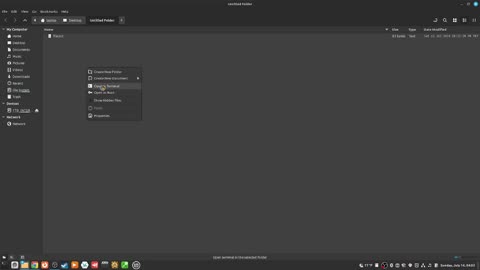
  11. 124_how to open a folder in the terminal using the gui

    124_how to open a folder in the terminal using the gui

    2
  12. 63_how to scroll through the text with the arrow keys

    63_how to scroll through the text with the arrow keys

    1
  13. 259_how to "unlock a users account" with the "passwd" command

    259_how to "unlock a users account" with the "passwd" command

  14. 77_how to lowercase words one at a time with alt L

    77_how to lowercase words one at a time with alt L

  15. 112_how to "record your previous directories as a data stack" with the "pushd" command

    112_how to "record your previous directories as a data stack" with the "pushd" command

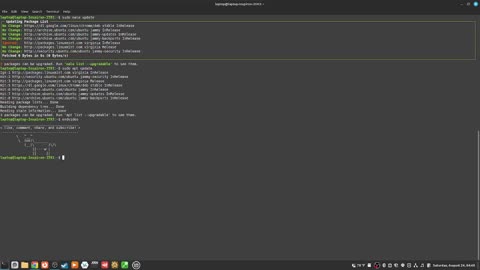
  16. 340_how to "update and upgrade at the same time" with "update && upgrade

    340_how to "update and upgrade at the same time" with "update && upgrade

    5
  17. 327_can you "run two bash commands at the same time"?

    327_can you "run two bash commands at the same time"?

    2
    0
    6
    1
  18. 336_how to "unmount a filesystem with the umount command"

    336_how to "unmount a filesystem with the umount command"

    14
    1
  19. 177_how to "add the write permission to the group permission set" with "chmod"

    177_how to "add the write permission to the group permission set" with "chmod"

    10
    1
  20. 245_what is the difference between the path and the PATH?

    245_what is the difference between the path and the PATH?

    2
    0
    6
  21. 249_how to "find text in text files" with the "grep" command

    249_how to "find text in text files" with the "grep" command

    5
    1
  22. 261_how to "update your local cache" with the "update" command

    261_how to "update your local cache" with the "update" command

    4
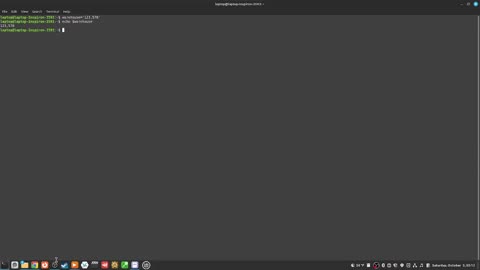
  23. 315 how to "take a note with a variable"

    315 how to "take a note with a variable"

    9
    1
  24. 282_how to "see your boot up log" with "journalctl"

    282_how to "see your boot up log" with "journalctl"

    4
Rumble logo