1. 33_what is the file directory in the prompt?

    33_what is the file directory in the prompt?

  2. 222_what are symbolic mode bits?

    222_what are symbolic mode bits?

  3. 318_what is the difference between an alias and a variable?

    318_what is the difference between an alias and a variable?

    4
  4. 26_what is a terminal emulator?

    26_what is a terminal emulator?

    7
  5. 215_what is a program in the context of bash?

    215_what is a program in the context of bash?

    2
    0
    5
  6. 277_what is a kernel ring buffer?

    277_what is a kernel ring buffer?

    5
  7. 264_how to "purge a program from your computer" with the "purge" command

    264_how to "purge a program from your computer" with the "purge" command

    3
  8. 143_how to "exit out of root" with the "exit" command

    143_how to "exit out of root" with the "exit" command

    9
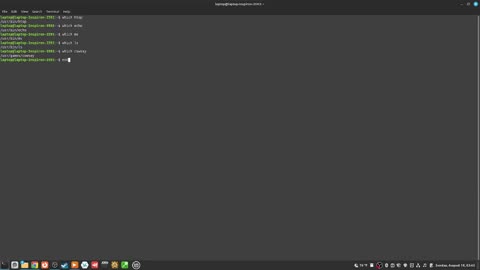
  9. 242_how to "find the filepath of a program" with the "which" command

    242_how to "find the filepath of a program" with the "which" command

    3
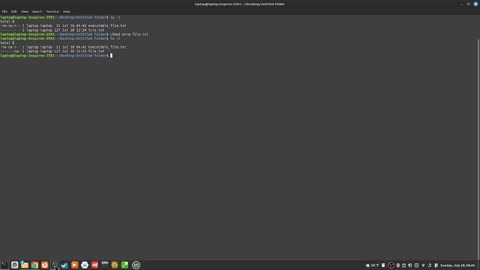
  10. 212_how to "add read and write permission to the other permission set" with "chmod"

    212_how to "add read and write permission to the other permission set" with "chmod"

    3
  11. 136_how to "go back to the home directory" with the "cd ~" command

    136_how to "go back to the home directory" with the "cd ~" command

    5
  12. 339_how to "change the owner of a file from root to user" with the "chown" command

    339_how to "change the owner of a file from root to user" with the "chown" command

    4
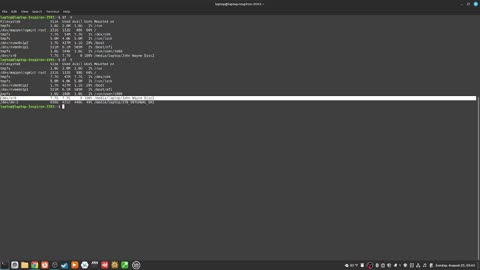
  13. 272_how to "see the space of my filesystems" with the "dt" command

    272_how to "see the space of my filesystems" with the "dt" command

    2
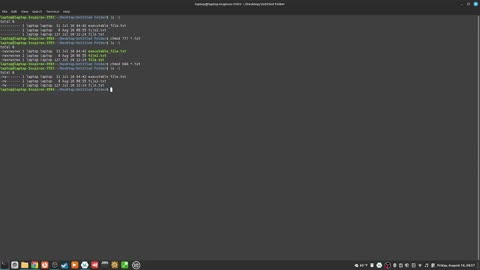
  14. 229_how to "change the file permissions of more then one file" with the chmod command

    229_how to "change the file permissions of more then one file" with the chmod command

    1
  15. 221_the two ways to change file permissions

    221_the two ways to change file permissions

    1
  16. 153_what does the "d" stand for in file permissions in bash?

    153_what does the "d" stand for in file permissions in bash?

    2
  17. 147_what is the file "owner" in bash?

    147_what is the file "owner" in bash?

    1
  18. 135_how to "open a file with sudo permissions" using "nano"

    135_how to "open a file with sudo permissions" using "nano"

    5
  19. 46_how to clear the terminal with ctrl L

    46_how to clear the terminal with ctrl L

    1
  20. 190_how to "append a text file" with the "echo >>" command

    190_how to "append a text file" with the "echo >>" command

  21. 210_how to "remove all the permissions from the other permission set" with "chmod"

    210_how to "remove all the permissions from the other permission set" with "chmod"

  22. 315 how to "take a note with a variable"

    315 how to "take a note with a variable"

    9
    1
  23. 79_how to swap two text characters with ctrl T

    79_how to swap two text characters with ctrl T

    16
  24. 82_how to "see your bash command history" with the "history" command

    82_how to "see your bash command history" with the "history" command

    10
  25. 320_how to "see what bash version you are using with the bash --version" command

    320_how to "see what bash version you are using with the bash --version" command

    8
Rumble logo