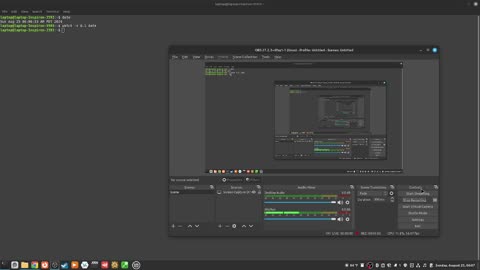
1. 327_can you "run two bash commands at the same time"?

    327_can you "run two bash commands at the same time"?

    2
    0
    6
    1
  2. 90_how to end the ctrl r history search at current entry with ctrl j

    90_how to end the ctrl r history search at current entry with ctrl j

    4
  3. 73_how to move forward one word with alt f

    73_how to move forward one word with alt f

    8
  4. 52_what is the relative path in the bash shell?

    52_what is the relative path in the bash shell?

    6
  5. 29_why is bash the default shell in most linux distrobutions?

    29_why is bash the default shell in most linux distrobutions?

    3
  6. 275_how to "see the date in real time" with the "watch" command

    275_how to "see the date in real time" with the "watch" command

    2
  7. 165_how to "add the read permission to a file" using the "chmod" command

    165_how to "add the read permission to a file" using the "chmod" command

    3
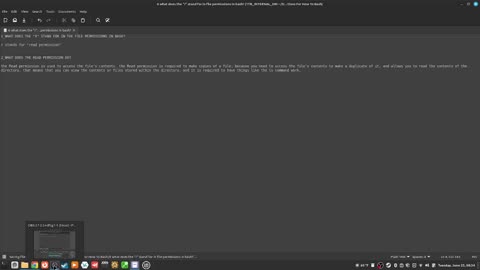
  8. 150_what does the "r" stand for in file permissions in bash?

    150_what does the "r" stand for in file permissions in bash?

    2
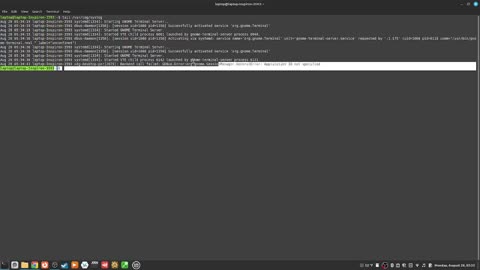
  9. 280_how to "see the last ten entries of the var syslog" with "tails"

    280_how to "see the last ten entries of the var syslog" with "tails"

    9
  10. 40_how to "change your directory" with the "cd" command

    40_how to "change your directory" with the "cd" command

    3
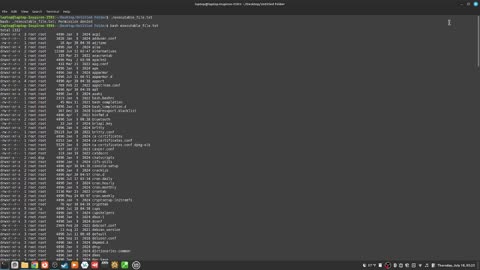
  11. 189_how to "run an executable file" with the "bash" command

    189_how to "run an executable file" with the "bash" command

    2
    0
    2
  12. 293_how to "create a defragementation report" with the "e4defrag" command

    293_how to "create a defragementation report" with the "e4defrag" command

    1
  13. 291_how to "see more detailed information about your kernel" with the "uname" command

    291_how to "see more detailed information about your kernel" with the "uname" command

    4
  14. 297_how to "see the userid" with the "whoami" command?

    297_how to "see the userid" with the "whoami" command?

    1
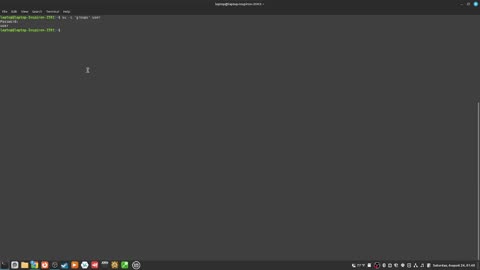
  15. 256_how to "see what groups a user is part of" with the "su dash c" command

    256_how to "see what groups a user is part of" with the "su dash c" command

    1
  16. 310_how to easily distinguish from system gid and human gid

    310_how to easily distinguish from system gid and human gid

    6
  17. 32_what is a host name in the prompt?

    32_what is a host name in the prompt?

    1
  18. 336_how to "unmount a filesystem with the umount command"

    336_how to "unmount a filesystem with the umount command"

    14
    1
  19. 45_how to "close down the terminal" using the "exit" command

    45_how to "close down the terminal" using the "exit" command

    15
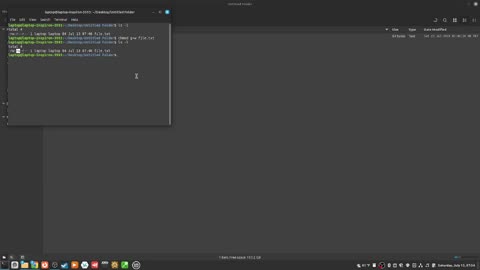
  20. 177_how to "add the write permission to the group permission set" with "chmod"

    177_how to "add the write permission to the group permission set" with "chmod"

    10
    1
  21. 171_how to "add the write permission to the user permission set" with the "chmod" command

    171_how to "add the write permission to the user permission set" with the "chmod" command

    8
  22. 31_what is the username in the prompt?

    31_what is the username in the prompt?

  23. 94_how to suspend the text output with ctrl s

    94_how to suspend the text output with ctrl s

  24. 249_how to "find text in text files" with the "grep" command

    249_how to "find text in text files" with the "grep" command

    5
    1
Rumble logo