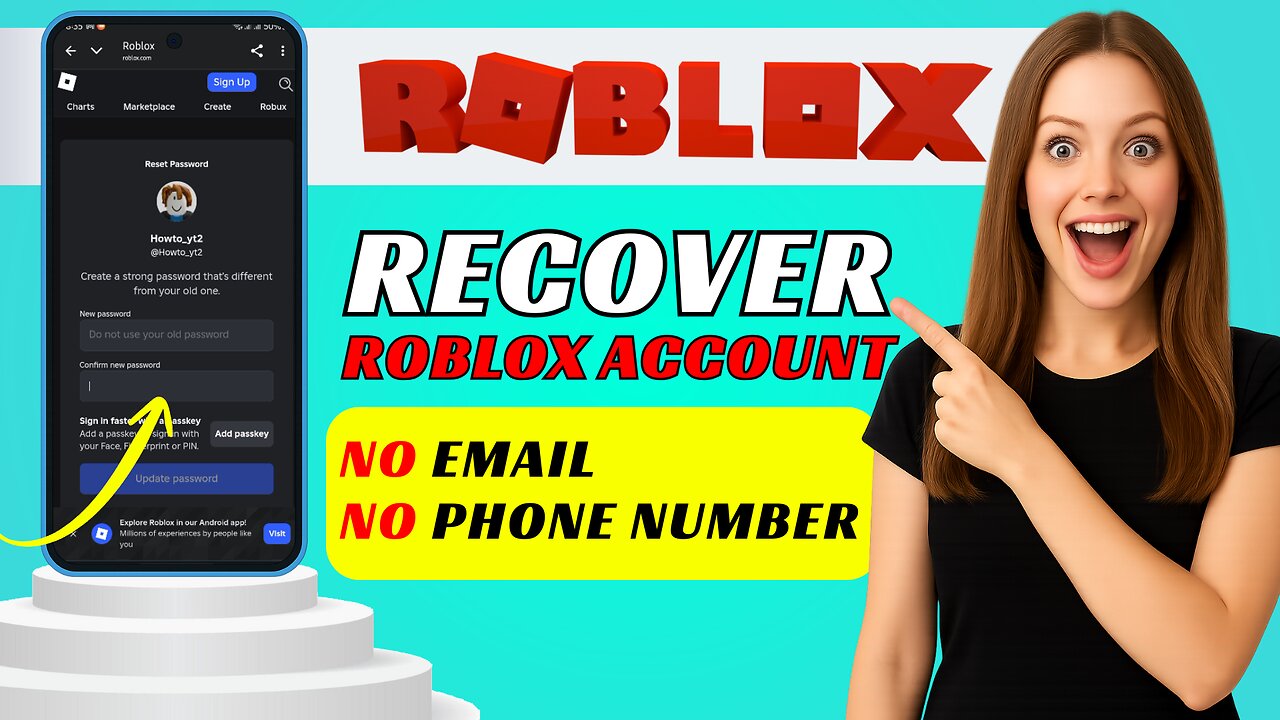
How to Recover a Roblox Account Without Email or Phone Number
How to Recover a Roblox Account Without Email or Phone Number
Recover a locked Roblox account with no email or phone — easy step-by-step methods using device verification, Chrome Password Manager, and Roblox Support.
Step-by-step settings👇
Quick method — device recognition
Connect to the same Wi-Fi and use the same device you normally use for Roblox.
Open the Roblox app and tap Sign In.
If your account box appears automatically, tap it.
Tap Start puzzle and complete the verification.
If it signs you in, make sure to add or update your email and phone in Settings.
Chrome — check saved password
Open Chrome on your phone.
Tap the three-dot menu, then go to Settings then Passwords (or Google Password Manager).
Search for Roblox in the list.
Tap the entry and use the eye icon to view the saved email and password (may ask for device unlock).
Roblox Support form — full settings to submit
Open Chrome and search for the official Roblox Support page.
Fill the top fields:
First name: optional (you can leave blank).
Username: type your full Roblox username (required).
Email address: type an email you can access now (Roblox will reply here).
Confirm email: retype the same email.
Add your Date of birth exactly as when the account was created.
Which device are you using? — choose the main device (e.g., Android, iPhone, Windows PC).
What kind of help do you need? — choose Account hacked or can’t login.
Describe your problem: paste this simple message and edit the brackets:
I cannot sign in to my Roblox account. I don’t have access to the email or phone on the account.
Username: [your username]
Date of birth: [your DOB]
Last known login: [date or device you last used]
I think the account was hacked or I forgot the password. Please help me recover it. I can verify ownership with purchase receipts or other details.
Complete any captcha or puzzle verification and press Submit.
Wait for Roblox to email the address you provided, then follow their password reset steps. If they send a reset link, click it and follow the on-screen instructions.
Like and subscribe for more easy Roblox recovery tips — comment which method worked for you!
#Hashtags
#RobloxRecovery #AccountHelp #NoEmailNoPhone
🛑This Channel never support or suggests any illegal actions. Everything shared here is only for learning and educational purpose
#SearchableBox #tutorial #techtutorial
-
 18:14
18:14
Nikko Ortiz
12 hours agoMost Painful Internet Clips...
37K10 -
 2:08:21
Side Scrollers Podcast
18 hours agoHasan Dog Joke Gets Streamer BANNED + Great Reset 100% CONFIRMED + More | Side Scrollers
45.3K9 -
 11:35
11:35
MetatronGaming
3 days agoYou Won't Believe Your Own Eyes..
7.08K -
 20:22
20:22
The Pascal Show
8 hours ago $0.02 earnedARE THEY IGNORING HER?! Is The White House & FBI Ignoring Candace Owens' A**assination Claims?!
4.66K1 -
 1:24:49
omarelattar
2 days agoThe $100M Sales Expert: “The Psychology of Selling To Anyone!” (High Ticket, Phone & Ai Secrets)
29.3K3 -
 18:36
18:36
GritsGG
13 hours agoTrios is BACK! Slamming Lobby w/ Mr. Bobby Poff!
4.72K -
 LIVE
LIVE
Lofi Girl
3 years agolofi hip hop radio 📚 - beats to relax/study to
336 watching -
 2:48:21
FreshandFit
15 hours agoNarcissistic Mid European Got Called Out And THIS Happened...
216K81 -
 1:48:12
Badlands Media
14 hours agoBaseless Conspiracies Ep. 161: The Human Hunting Files
85.4K32 -
 1:56:01
Inverted World Live
7 hours agoHome is Where The Great Pacific Garbage Patch is | Ep. 148
71.6K7