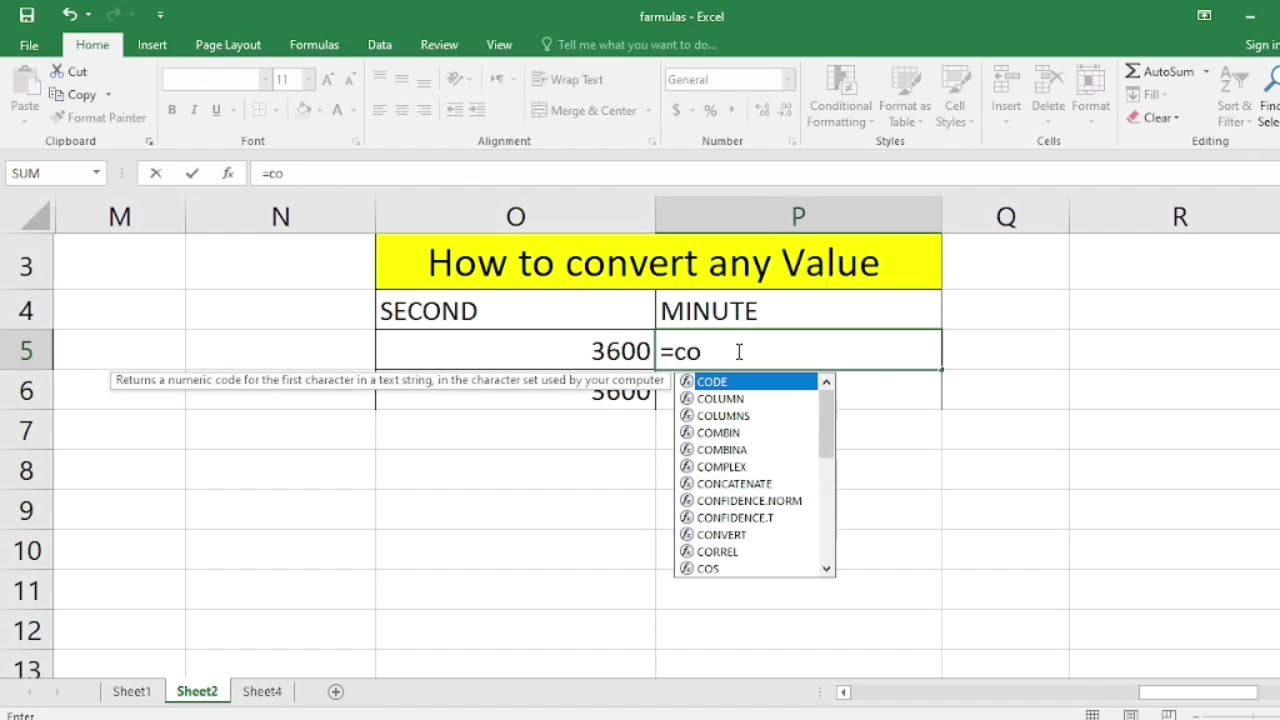
How to convert any value in excel
In Microsoft Excel, you can convert values from one format or data type to another using various functions and tools. The method you use will depend on what you're trying to convert. Here are some common types of value conversions and how to perform them:
Text to Number Conversion:
If you have numbers stored as text, you can convert them to numeric values using the VALUE function. For example, if A1 contains the text "123," you can use =VALUE(A1) to convert it to a number.
Number to Text Conversion:
To convert a number to text, you can use the TEXT function. For example, if A1 contains the number 123, you can use =TEXT(A1, "0") to convert it to the text "123."
Date and Time Conversion:
You can format dates and times using the TEXT function. For example, to display a date in the format "MM/DD/YYYY," you can use =TEXT(A1, "MM/DD/YYYY").
Percentage Conversion:
To convert a decimal number to a percentage, multiply it by 100 and add the "%" symbol. For example, if A1 contains the decimal 0.75, you can use =A1*100&"%" to convert it to "75%."
Converting Formulas to Values:
If you want to convert the result of a formula to a static value (i.e., remove the formula), you can use "Copy" and "Paste Values." Copy the cell with the formula, right-click on the destination cell, choose "Paste Special," and select "Values."
Currency Conversion:
To convert from one currency to another, you can use external data sources or add-ins that provide exchange rate information. Excel has built-in features for currency conversion in some versions.
Unit Conversion:
You can create your own formulas to convert units. For example, to convert from pounds to kilograms, you can use the formula =A1 * 0.45359237 if A1 contains the weight in pounds.
Binary, Octal, and Hexadecimal Conversion:
You can use functions like BIN2DEC, OCT2DEC, and HEX2DEC to convert values between different numbering systems.
Custom Conversions:
For custom conversions, you may need to create your own formulas using mathematical operations, conditional statements, or lookup tables based on your specific requirements.
Remember that Excel provides a wide range of functions and tools for various types of conversions. The specific function or method you use will depend on the data and the desired outcome. Always ensure that your conversions are accurate and appropriate for your needs.
-
 LIVE
LIVE
vivafrei
57 minutes agoMiranda Divine & Dan Bongino Go Fisticuffs! Jillian Michaels & Crowder Go Fisticuffs! AND MORE!
9,142 watching -
 1:19:31
The Quartering
1 hour agoWoke Church Exposed, Income Taxes To End?, Gross Doordash Video, & Based Chic At Planet Fitness
35.7K16 -
 DVR
DVR
Stephen Gardner
44 minutes ago🔥Trump Just Got THE EVIDENCE we’ve ALL been waiting for!
2 -
 LIVE
LIVE
Right Side Broadcasting Network
3 hours agoLIVE: President Trump Makes an Announcement at the White House - 12/2/25
3,548 watching -
 LIVE
LIVE
The White House
2 hours agoPresident Trump Makes an Announcement, Dec. 2, 2025
1,266 watching -
 53:14
53:14
Professor Nez
2 hours ago🇺🇸 Trump’s SECRET Weapon for American Families (LIVE)
110 -
 1:07:14
DeVory Darkins
2 hours agoBREAKING: Washington Post suffers Major SETBACK after Hegseth story gets debunked
92K52 -
 LIVE
LIVE
StoneMountain64
2 hours agoArc Raiders EXPEDITION Money Making is Insane
178 watching -
 2:16:21
Side Scrollers Podcast
4 hours agoTwitch has a SERIOUS Problem + Leaflit’s VIRAL Interview + More | Side Scrollers
11.8K3 -
 LIVE
LIVE
Barry Cunningham
18 hours agoBREAKING NEWS: President Trump Hosts Cabinet Meeting & Makes MAJOR Announcement!
2,075 watching