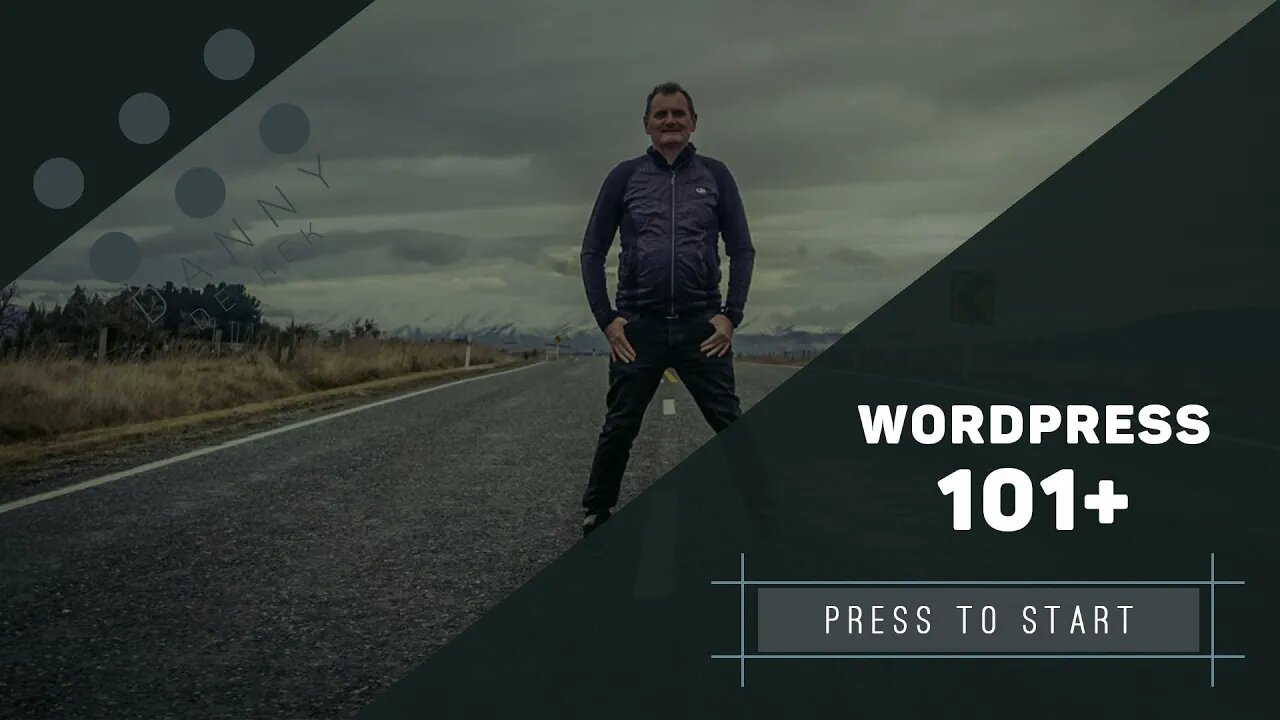
WordPress adding users - WORDPRESS 101+
Managing the user access. WordPress has six pre-defined roles: Super Admin, Administrator, Editor, Author, Contributor and Subscriber.
LINKS
https://wordpress.org/support/article/roles-and-capabilities/
https://www.wpengine.com (direct)
https://danny.dehek.com (via DANNY DE HEK) the service we provide runs a managed copy of Wordpress. We ensure it (and the plugins) have the latest security patches. You can also migrate your old WordPress over with WP Engine Hassle-Free Migration plugin!
SUPPORT
If you need support in setting up, updating or anything to do with technology, i.e. G Suite, Shopify, Wordpress, Domain Names, Web Hosting, Internet Security, Podcasting or General Support. Let’s talk or meet, schedule an APPOINTMENT at https://calendly.com/dehek
WORDPRESS 101+
This step by step workshop shows you how to set up and manage your WordPress site from A to Z.
In this workshop you will learn; Intro to WordPress, Web Hosting, Domain set up, Adding Users, Theme Customisation, Site Navigation Menu, Plugin Installation, Adding Widgets, Page Creation, Posts, Categories and Configuring WordPress Settings.
INTRODUCTION
Hosting your website Picking a reliable fast loading hosting provider that has backup services.
Hosting 8 mins
Domain set up How to set up your Domain name on your WordPress website with WPengine.
WordPress domain set up 10 mins
Adding Users Managing the user access. WordPress has six pre-defined roles: Super Admin, Administrator, Editor, Author, Contributor and Subscriber.
WordPress adding users 8 mins
Renaming the default user 3 mins
Theme Customisation Within this area you will learn how to install a theme and also have it set up correctly.
Purchasing and installing your theme 7 mins
Product Registration 3 mins
Theme Customisation 51 mins
Site Navigation Menu How to Create & Design a Custom Navigation Menu
Site Navigation Menu 7 mins
Plugin Installation Searching for plugins, uploading, installing, activating WordPress from the dashboard.
Plugin Installation 21 mins
WP Mail SMTP 8 mins
Adding Widgets Set up, managing and editing widgets, widgets are blocks of content that you can add to your site's sidebars, footers, and other areas
Adding Widgets 13 mins
Creating Pages Setting up pages and connecting them to your theme
Creating Pages 5 mins
Posts and Categories Pages are used for static content, whereas Posts are for more timely content that is regularly updated, you will learn how to create a Blog and to how to categorise.
Post Introduction 5 mins
Categories and Menus 9 mins
Posting Blogs 22 mins
How to embed a YouTube Video 6 mins
How do I add and set up... A few optional extras, once you have completed your website you might want to add a bit of flair or more functionality the section will help you do some more of the advanced stuff.
Slider Revolution Template 534 KB Slider Revolution 15 mins
Forms (with Avada Forms) 16 mins
Summary If you need support you can Book sometime with me.
Configuring & Settings 11 mins
-
 4:46
4:46
DANNY DE HEK
7 days agoInternet NZ & The Domain Name Commission: Where Is All The Money Going? An Investigative Breakdown
651 -
 27:56
27:56
Degenerate Plays
22 hours ago $3.59 earnedDiagnosed From My Sonic The Hedgehog Fixation? - Batman: Arkham Asylum : Part 17
12.8K -
 1:31
1:31
Damon Imani
3 days agoWhoopi TRASHED Kash Patel’s FBI and Got Calmly DESTROYED by Damon!
14.2K12 -
 2:06
2:06
Memology 101
11 hours ago $1.76 earnedWON'T SOMEBODY PLEASE THINK OF THE POOR NARCOTERRORINOS?!
14.3K12 -
 18:43
18:43
Nikko Ortiz
1 day agoWorst Karen Internet Clips...
139K16 -
 8:39
8:39
MetatronHistory
1 day agoWhy Did We Switch From Bronze to Iron in Classical Antiquity?
25.3K3 -
 11:01
11:01
MattMorseTV
17 hours ago $18.97 earnedEU caught in $140,000,000 SCANDAL.
39.1K63 -
 1:44:46
PandaSub2000
14 hours agoUltimate Chicken Horse | ULTRA BEST AT GAMES (HD Edited Replay)
24.5K -
 1:47:16
omarelattar
2 days agoTroy Eckard Shares His Rags to Riches Story
25.9K1 -
 26:18
26:18
GritsGG
17 hours agoHow to Activate Heat Map & Find Self Revives On Warzone!
19.3K